Your Home page
What every part of the Home page shows, and what the buttons around it do.
After you create your store (or press Skip for now), you land on Home. This is the first page you see every time you sign in.
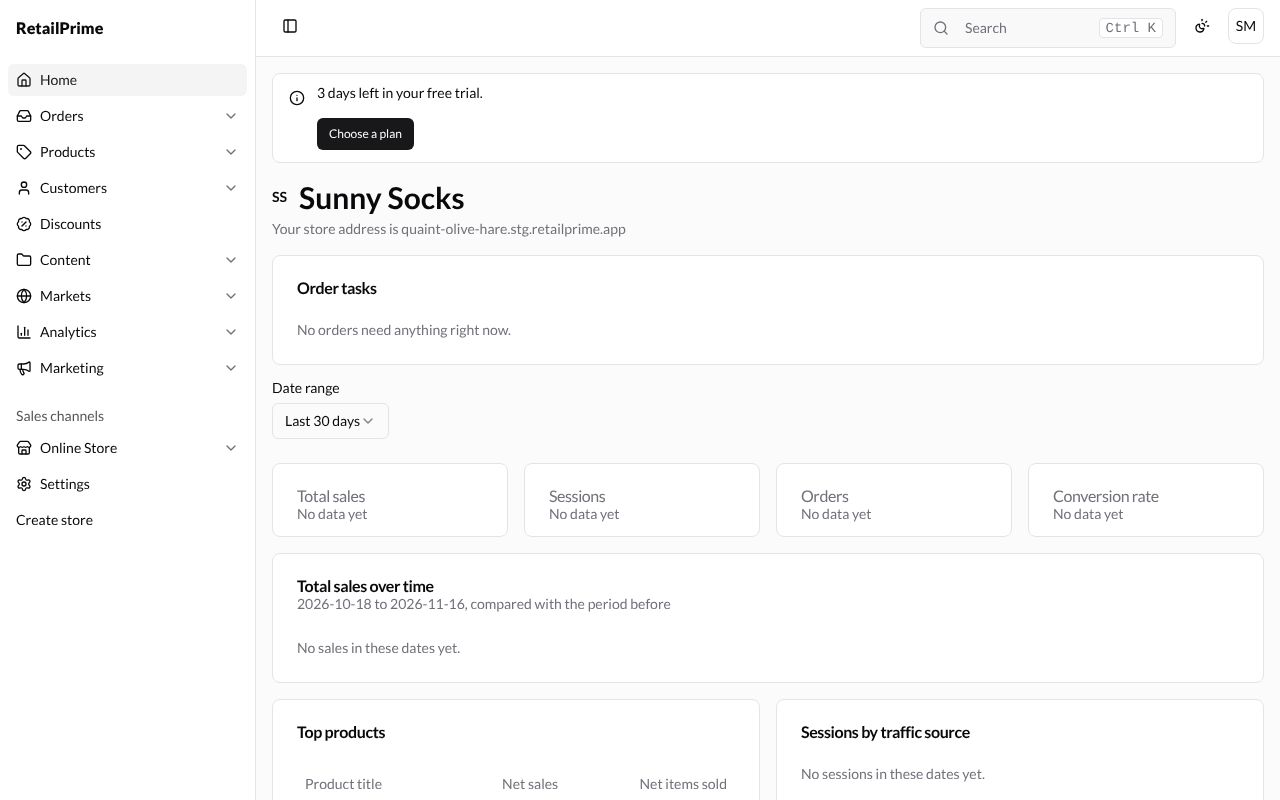
The screen has three parts:
- The sidebar on the left: every area of your store. See The sidebar.
- The top bar: search, light or dark mode, and your account.
- The page itself, in the middle.
What the Home page shows
From top to bottom:
| Part | What it tells you |
|---|---|
| 3 days left in your free trial. | How long your trial has left. Choose a plan takes you to the plans. |
| Sunny Socks (your store name) | The letters before it (SS) are your store’s icon until you upload a logo. |
| Your store address is … | Your store’s address, such as quaint-olive-hare.stg.retailprime.app. Open it in a new browser tab to see your store as buyers do. |
| Order tasks | Orders that need you, such as ones to ship. A new store says No orders need anything right now. |
| Date range | Which days the figures below cover: Today, Yesterday, Last 7 days, Last 30 days, Last 90 days or Custom. |
| Total sales, Sessions, Orders, Conversion rate | Your money taken, store visits, orders, and how many visits ended in an order. A new store says No data yet. |
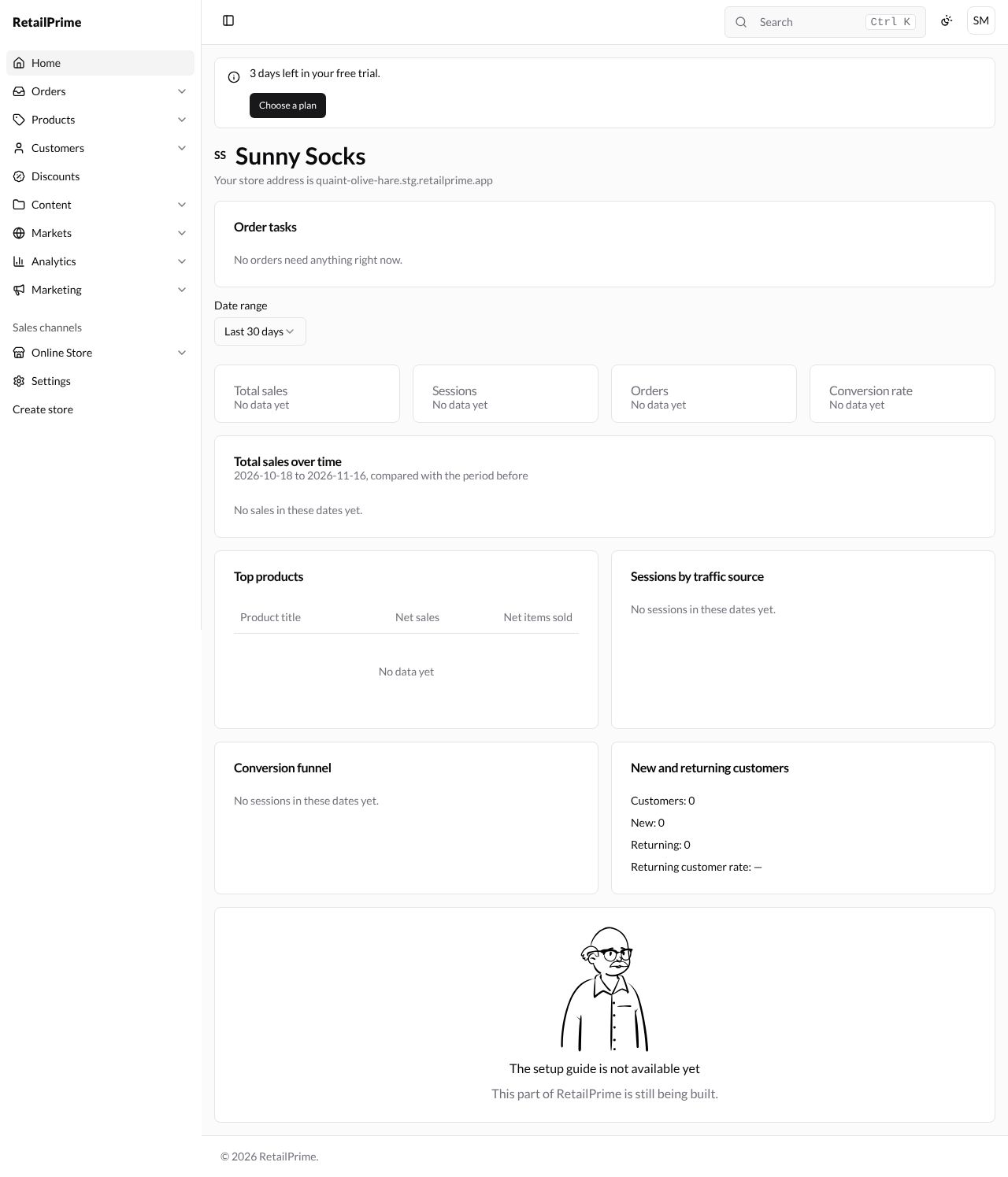
| Total sales over time | A chart of sales across the dates, compared with the period before. |
| Top products | Your best sellers: Product title, Net sales and Net items sold. |
| Sessions by traffic source | Where your visitors came from. |
| Conversion funnel | How many visitors went on, step by step, to buy. |
| New and returning customers | How many buyers were new, and how many came back. |
Here is the whole page, scrolled to the bottom:
The top bar
| Button | What it does |
|---|---|
| The square at the far left (Toggle Sidebar) | Hides or shows the sidebar. |
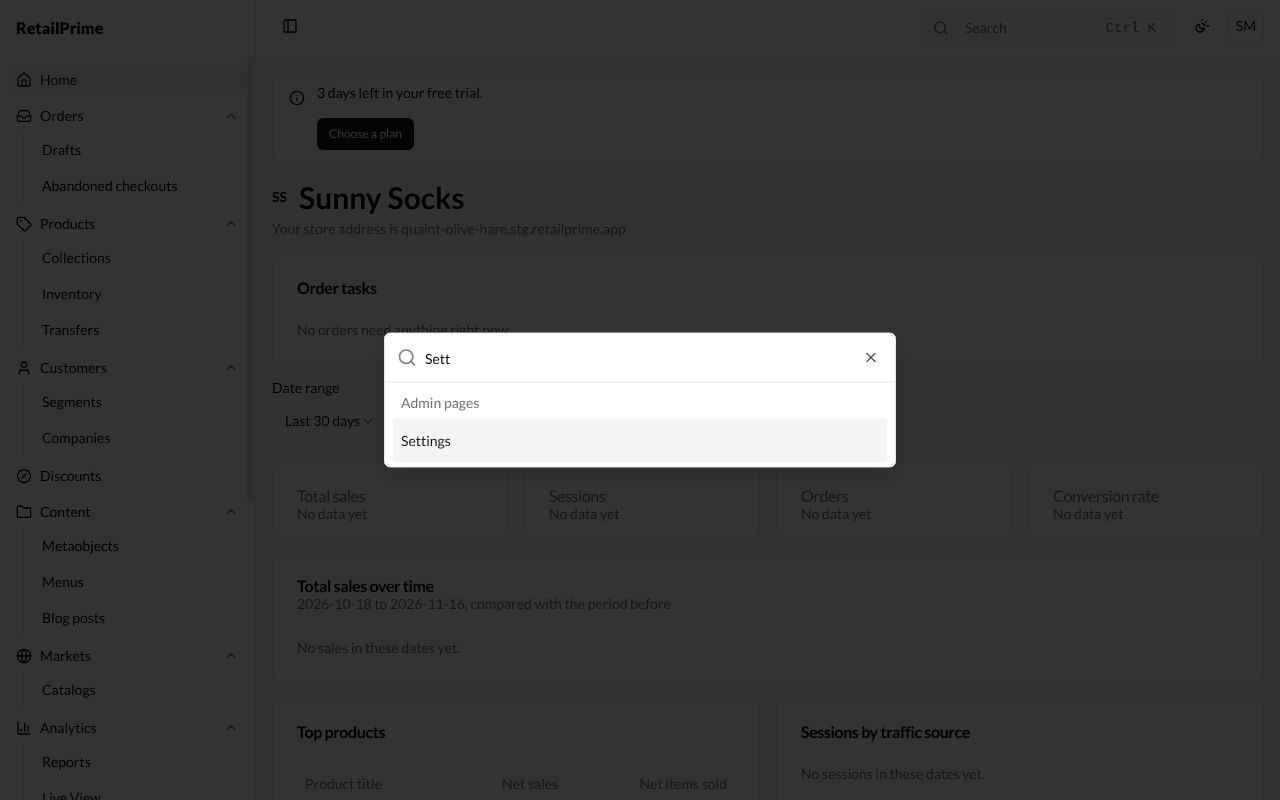
| Search (or press Ctrl K) | Finds things in your store, and Admin pages, by name. |
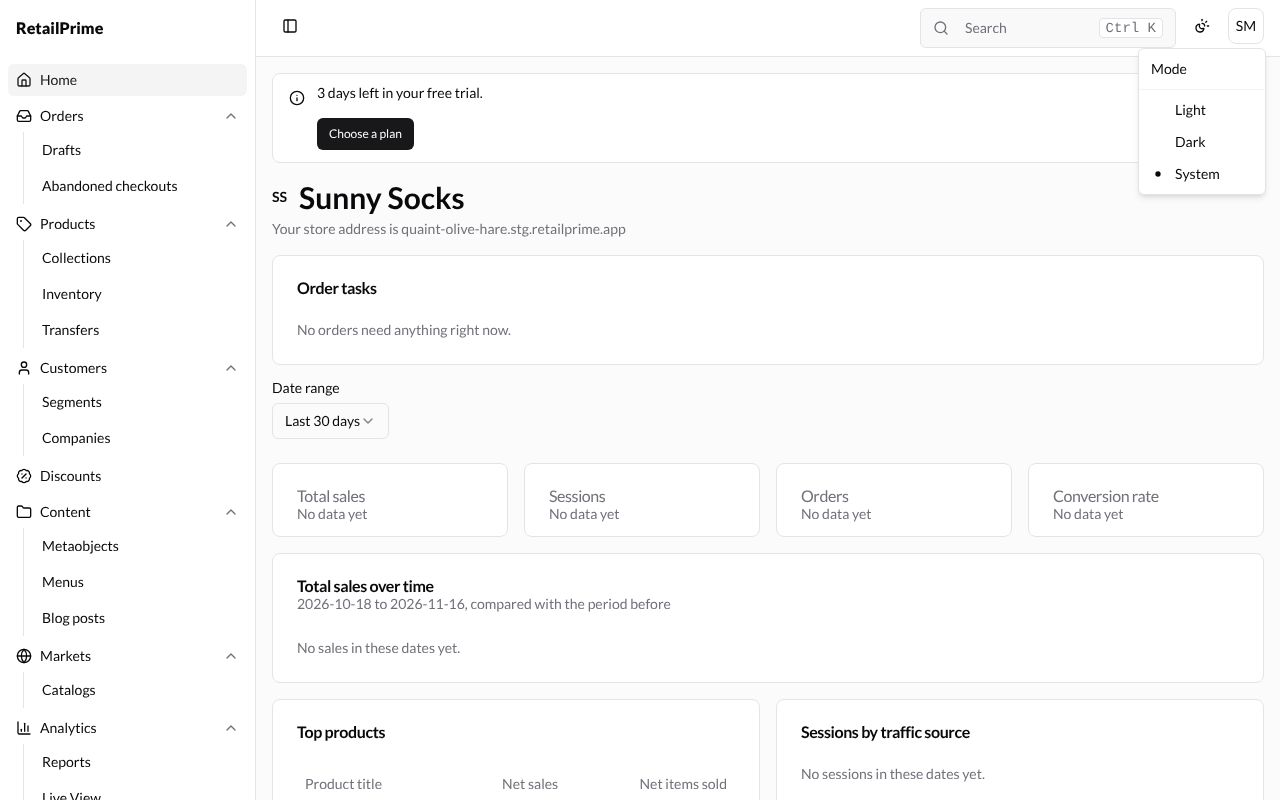
| The sun (Mode) | Chooses Light, Dark or System (follows your computer). |
| Your initials (here SM) | Your account menu, with Sign out. |
To search, press Search and start typing. Results appear as you type; press one to open it, or press Esc to close.
What’s next
Take a tour of the sidebar.