Checkout
Choose whether buyers give a phone number, see the marketing checkbox and can add an order note.
In Settings, press Checkout. The page says What buyers fill in at checkout. The email is always required.
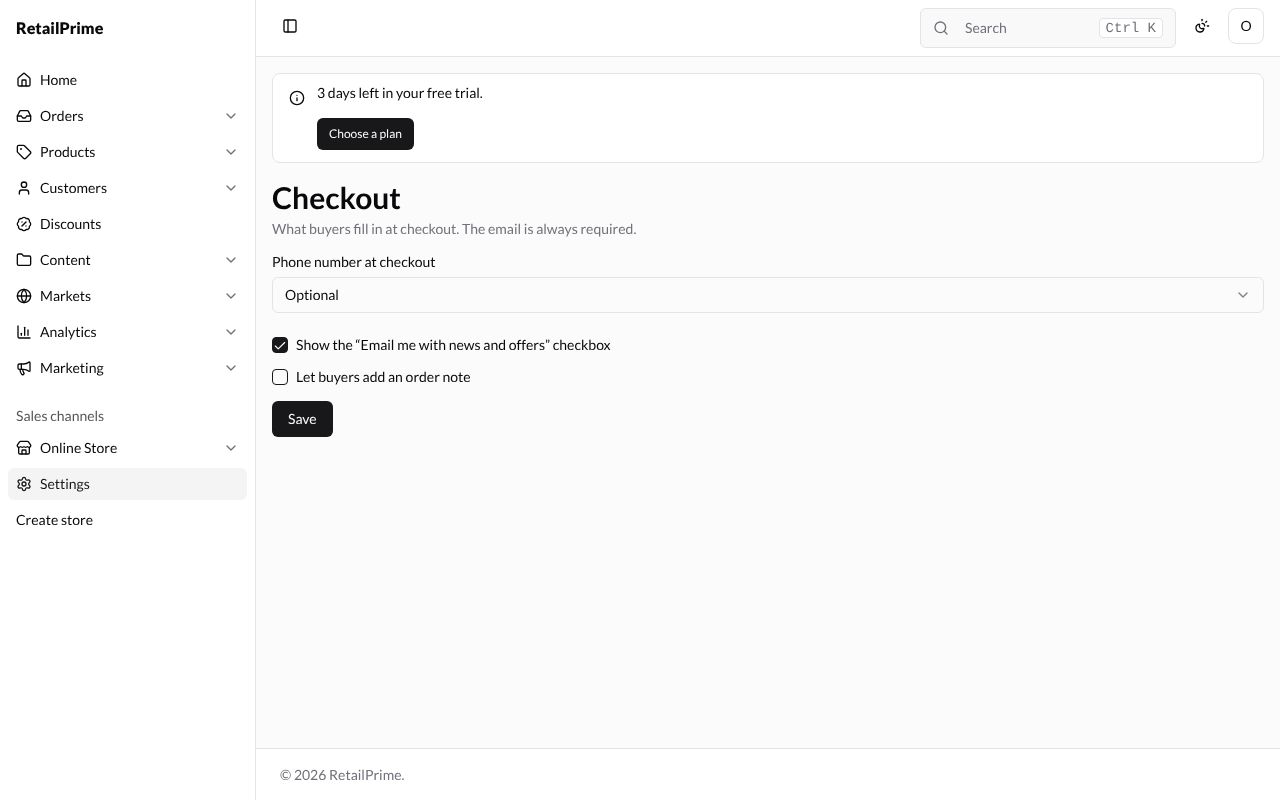
| Setting | What it does | Example |
|---|---|---|
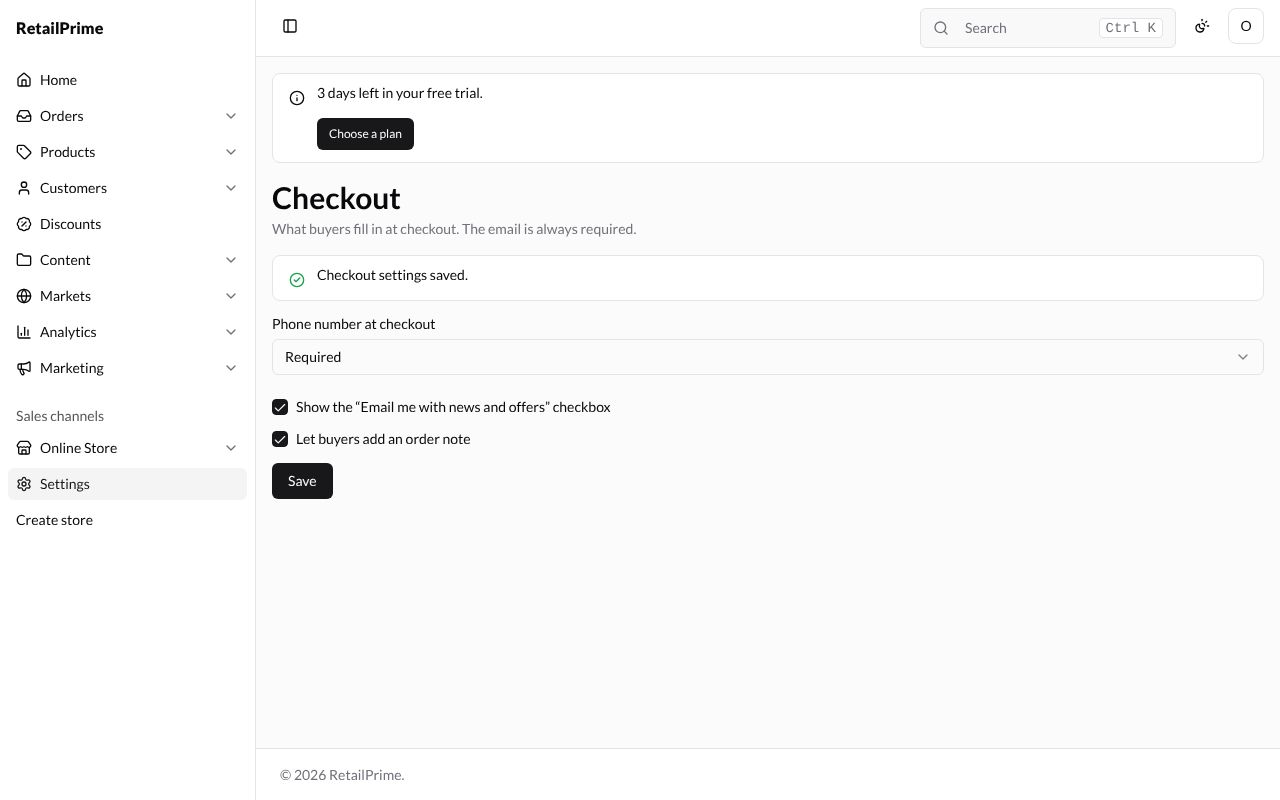
| Phone number at checkout | Hidden: no phone box. Optional: buyers may give one. Required: buyers must give one | Required |
| Show the “Email me with news and offers” checkbox | Buyers can tick it at checkout to subscribe to your marketing emails | ticked |
| Let buyers add an order note | Adds an Order note (optional) box on the payment step | ticked |
Change them, then press Save. The page says Checkout settings saved.
What buyers see
With these settings, the first step of checkout has a Phone box that must be filled in and the Email me with news and offers checkbox (pictured on Shipping and delivery). The payment step has Order note (optional), under the Payment method with Pay online and the enabled manual method, Cash on Delivery (COD), with its details.
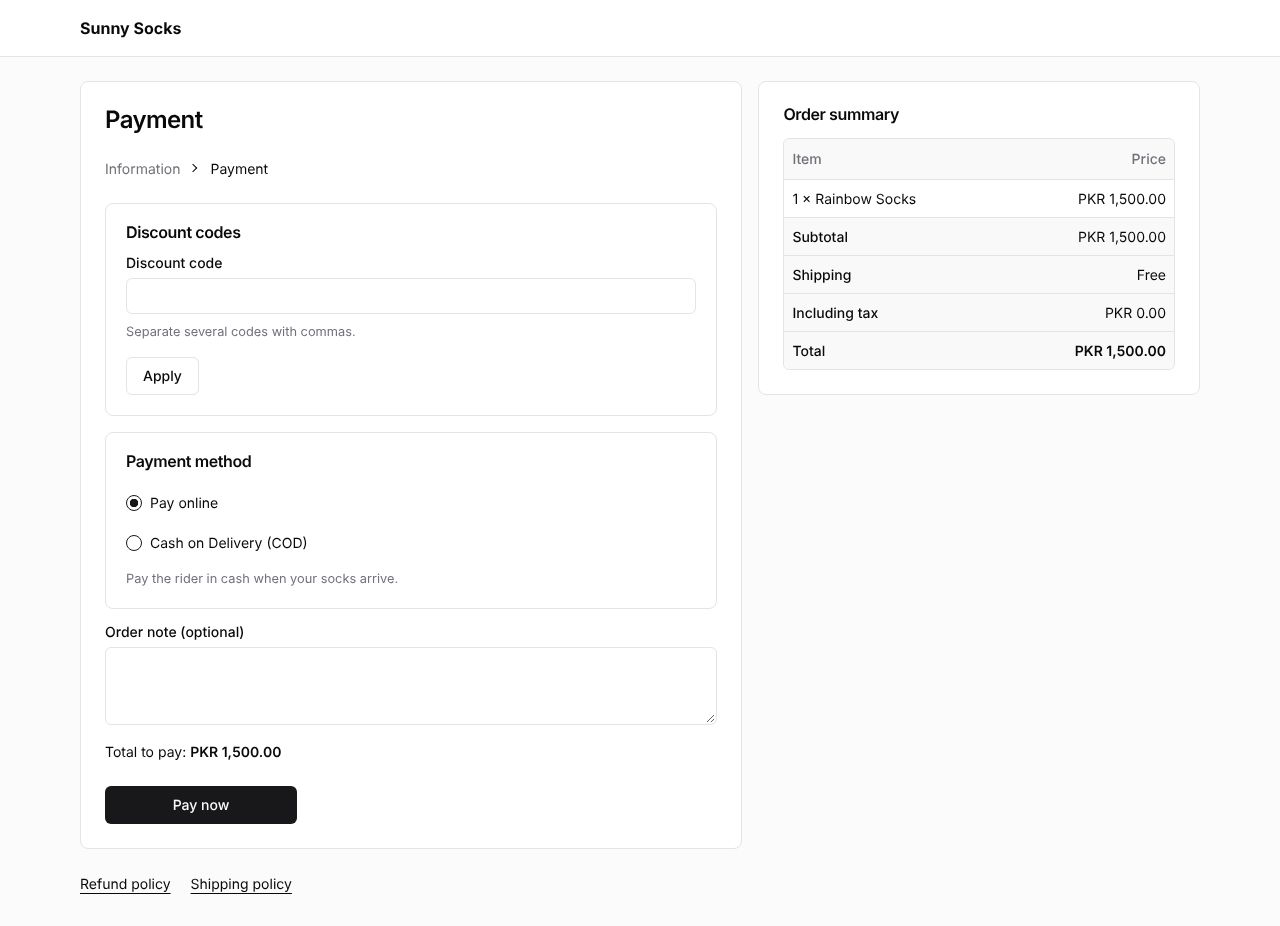
The links at the bottom, Refund policy and Shipping policy, are your policies.
What’s next
Shipping and delivery: set your shipping zones and rates, and let buyers pick up.